Party invitations
They’ll know it’s you.
Invitations from your own phone. Guests answer in one tap. Answer a few questions and get an invitation made for your party and your photo.
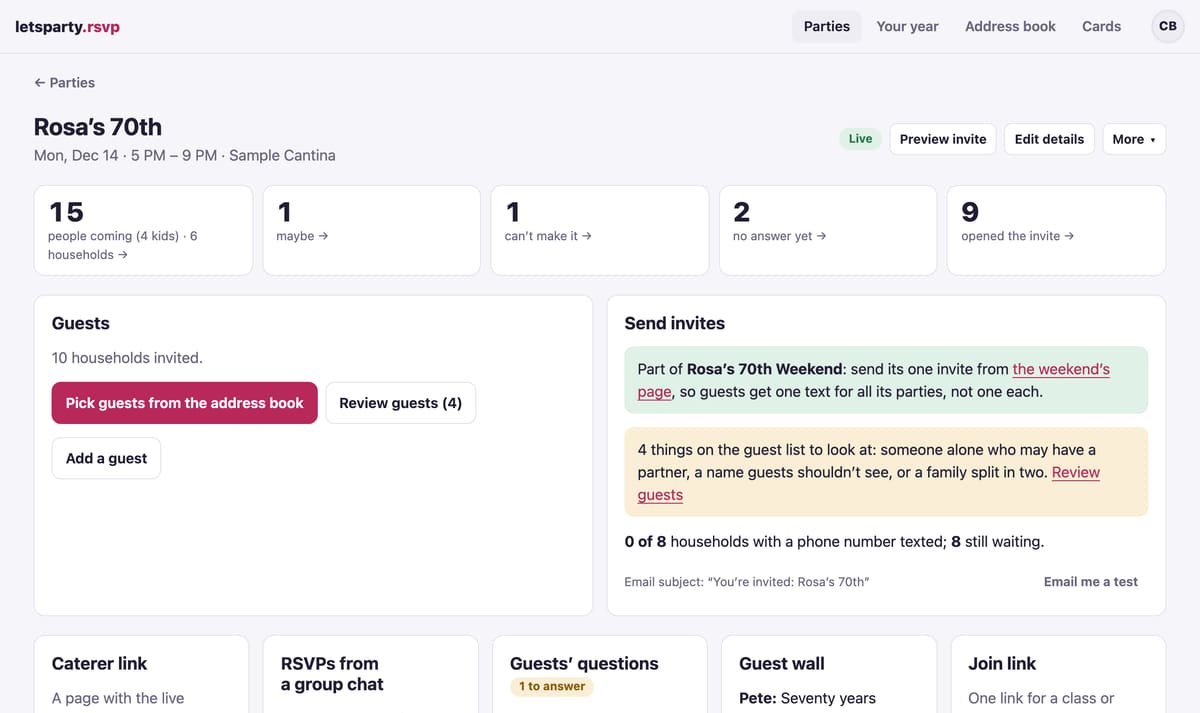
- $29a party, up to 150 invites
- 334designs, funny to formal
- Your numberon every text, not a stranger’s
- No appfor your guests, ever
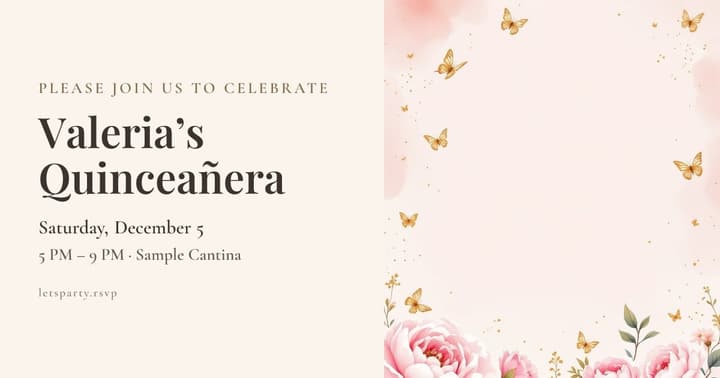
Designs as fun as the party
All 334 designs →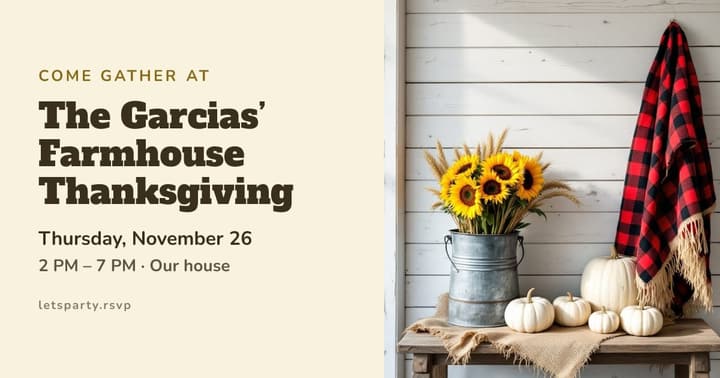






Start to finish
Everything a party needs, from the first idea to the last photo
Real screens from a sample party.
-
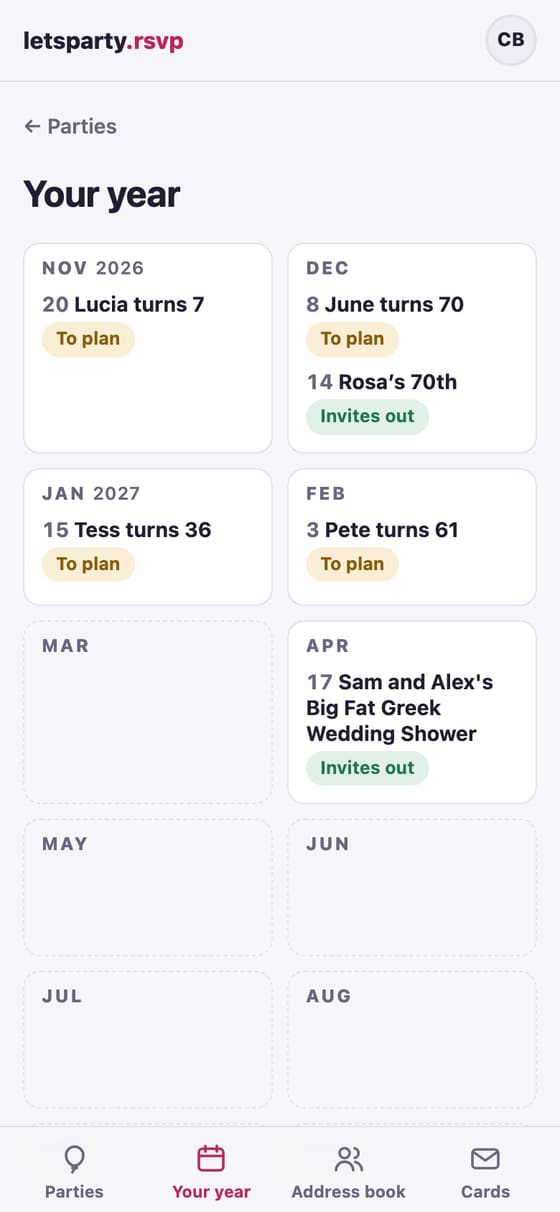
Plan it
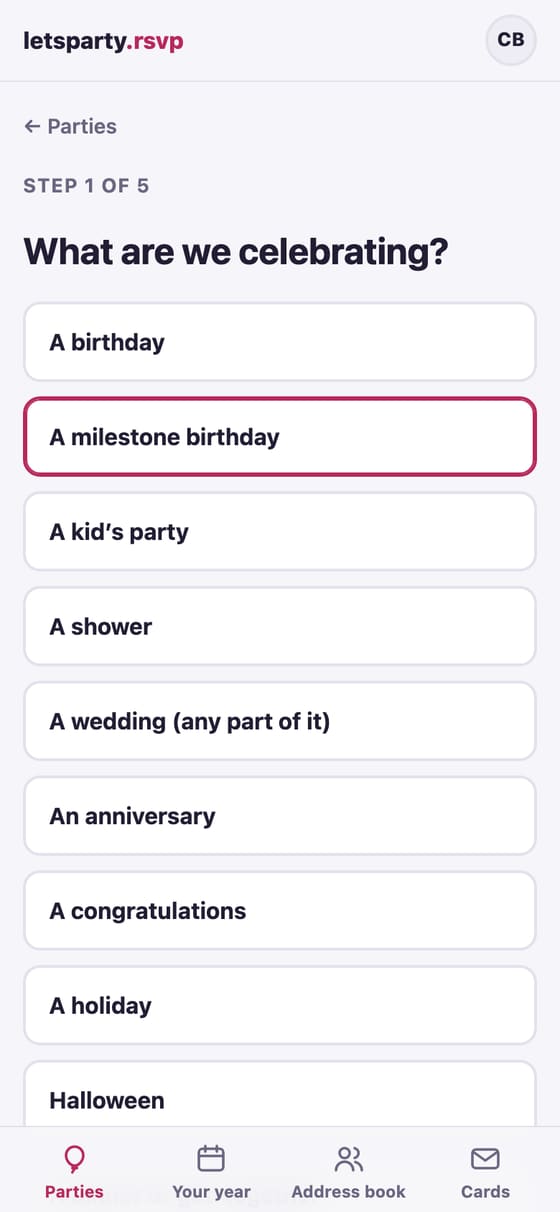
Five questions, and the invite builds itself
What you’re celebrating, when, where, the look and the details: one question at a time, with the real invite taking shape beside them.
- Step by step
- Not sure of the date?
- The wedding checklist
- Every part of a wedding, ready to start
- One invite for the whole weekend
-
Send it
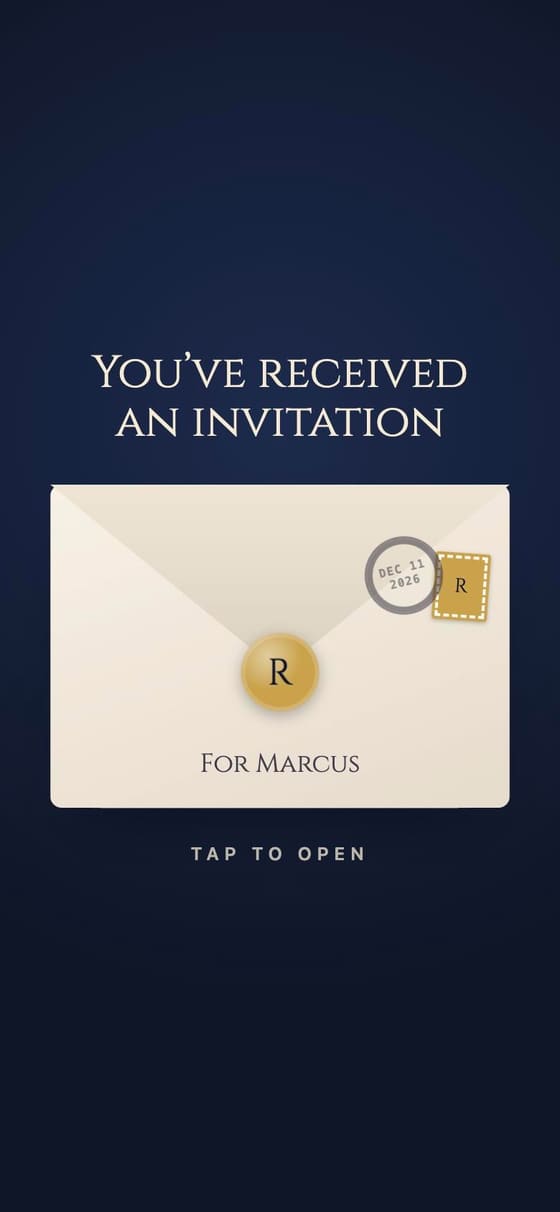
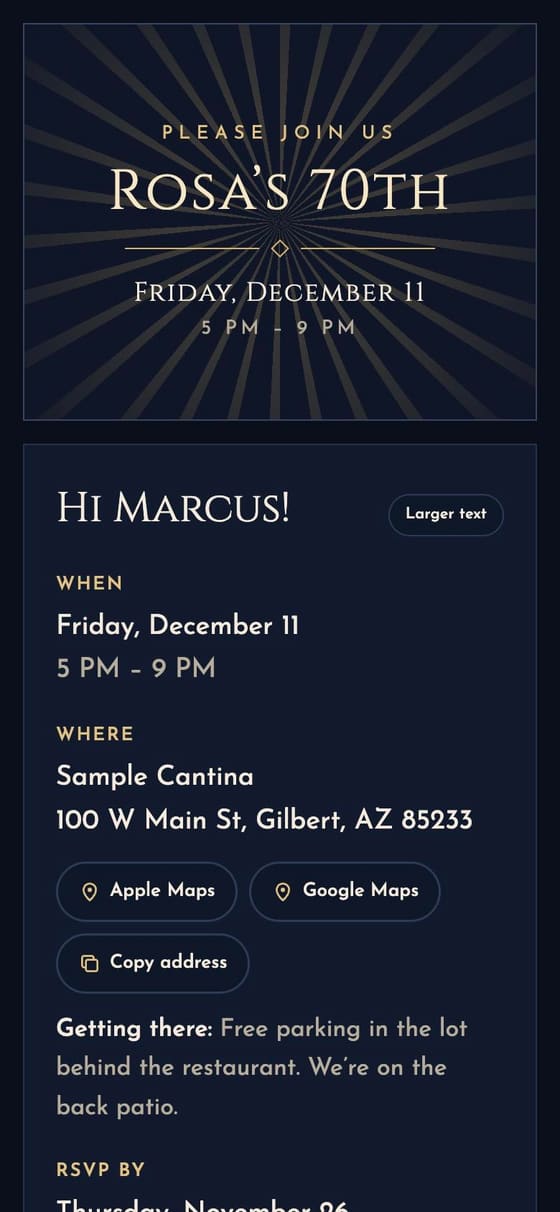
An invite that opens like a real envelope
Their name on the envelope, a stamp and a postmark, and a design as fun or as formal as the party. Sent from your own phone, so they actually open it.
- Designs funny to formal
- Your photos on the invite
- Pick how it opens
- Your invite, all yours
- Music and an effect
-
Collect RSVPs
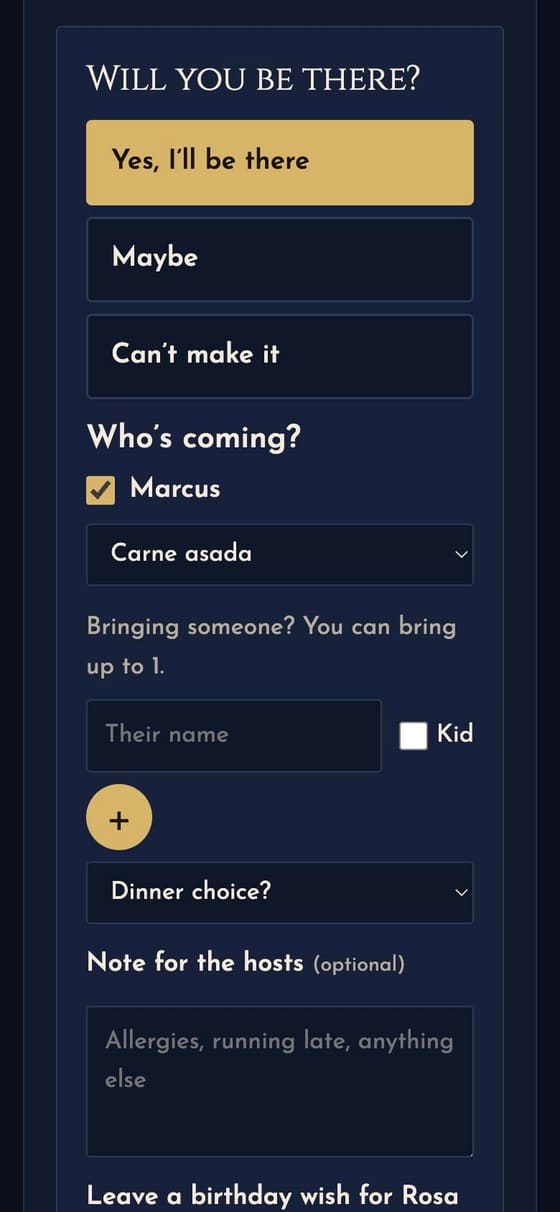
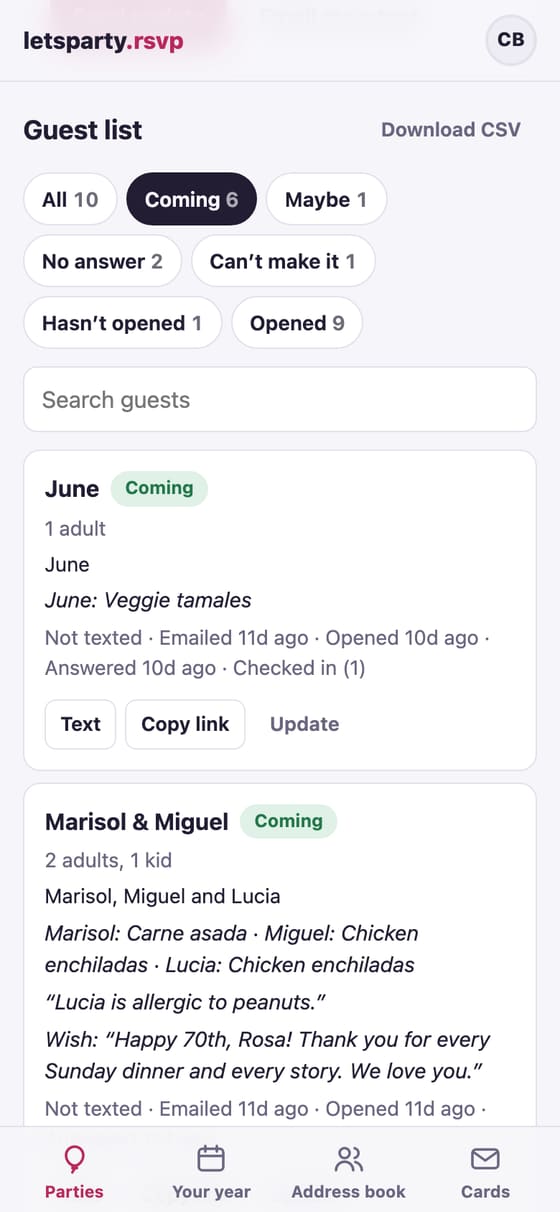
Every answer, counted and sorted for you
Yes, maybe or can’t make it, by name, with a meal choice or allergies for each person. Tap any number to see exactly who.
- Who’s coming, by name
- Plus-ones, guest by guest
- See who’s opened it
- Know the moment they answer
- What to bring
-
The big day
Everything guests need, and a little extra
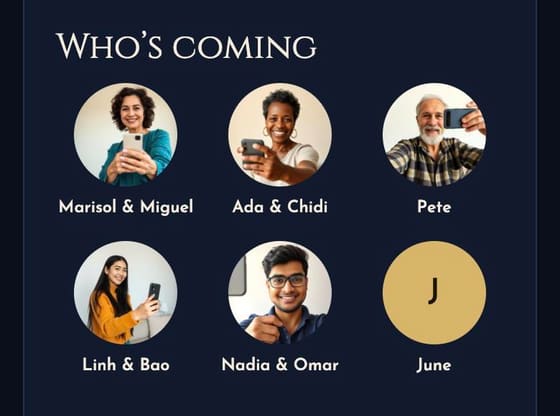
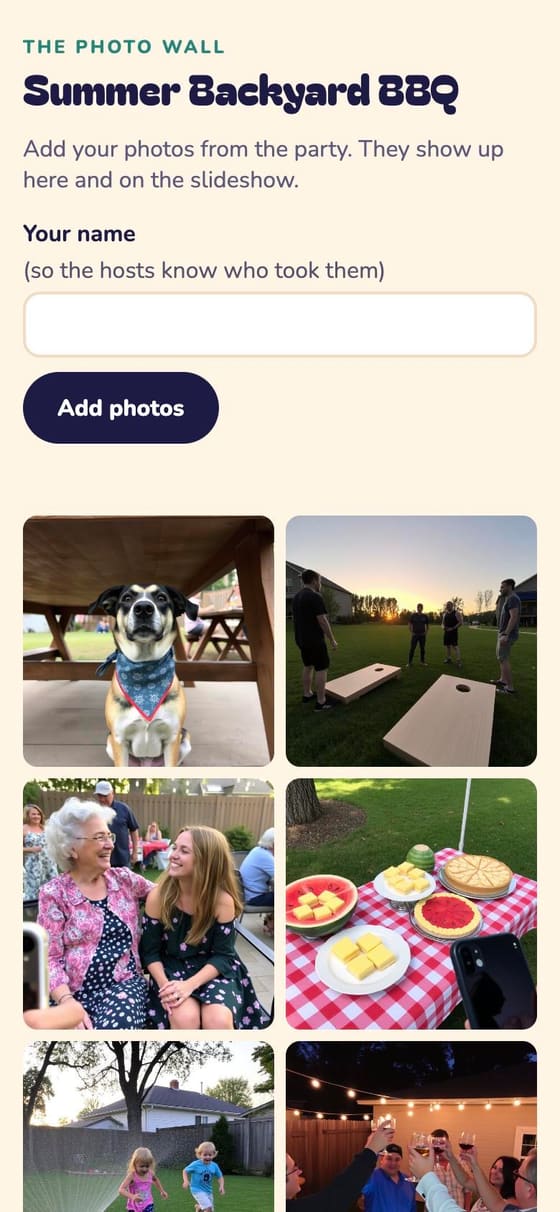
The plan, the weather, who else is coming, answers to their questions, and a photo wall that fills up during the party.
- The plan and the weather
- A domain you already own
- One look for the whole wedding
- Six layouts
- Your own RSVP wording
-
After
Keep the memories, and the guest list
Wishes to keep, a thank-you to everyone who came, all the photos, and next year’s party already started.
See all 10 →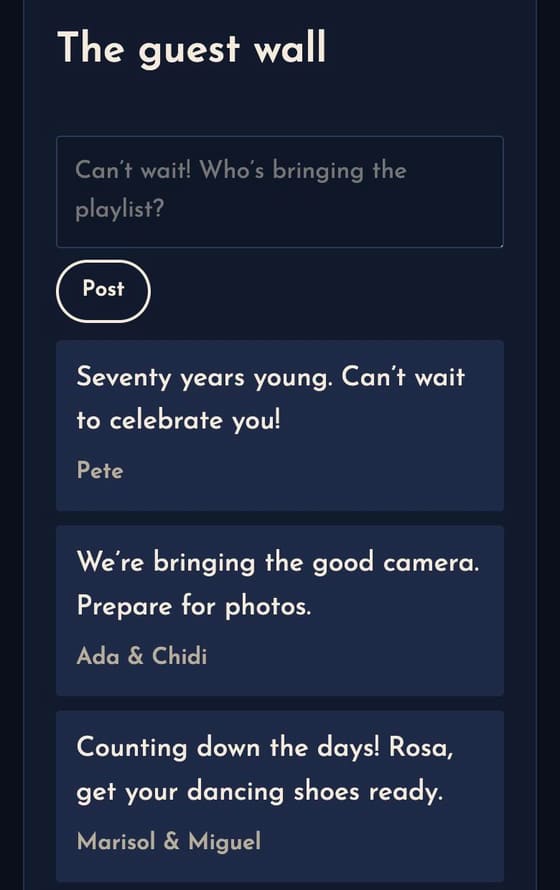

-
A little help
The busywork, handled
Helpers for the parts of hosting nobody enjoys. You check everything before it counts.
- RSVPs from the group chat
- Answers from your details
- “Write it for me”
- A check on every photo
- Thank-you notes, drafted
One price for the party
Compare every plan →-
Free
$0
Up to 15 invites. Dinners, small birthdays and get-togethers.
-
Party
$29 a party
Up to 150 invites. Birthdays, showers, holidays and the big milestones.
-
Host Pass
$99 a year
Up to 150 invites. People who host more than once a year.
-
Wedding
$199 for your whole wedding
No limit on invites. Couples, from the engagement party to the brunch.
Launch prices are being finalized, so these may change before we open. Guests never pay.
Questions
Do my guests need an app or an account?
No. Each household gets its own link by text or email. It opens in any phone’s browser, greets them by name and takes their RSVP in a few taps. They can come back to the same link to change it.
Do the texts come from you or from me?
From you. The invite text goes out from your own phone, so guests see your name and your number (and actually open it). On iPhone, one tap sends them all after a one-time setup; on any phone you can send them one at a time. Email works too. How texting from your phone works →
Can I use my own photo?
Yes. Some designs frame your photo: the couple on the stadium’s big screen, the birthday girl on the trading card. Or upload your own art and the invite is built around it, with colors picked from your picture.
Who can see the address?
Only the people you invite. The party’s public link shows the look and the date; the address and the RSVP are on each guest’s personal link.
Can someone plan it with me?
Yes. A group (your family, a class, a team) shares one address book and plans its parties together, and you can add a co-host to a single party.
What if we don’t have a date yet?
Send the invite with a date poll. Guests mark which dates work, you see who can make each one, and when you pick the winner everyone is told.
Can the invitations be in Spanish?
Yes. Pick Español for the whole party or for one household: the envelope, the RSVP, the texts and the emails all come in Spanish, and every guest can switch languages on their invite.
Can I make a seating chart?
Yes, from the same RSVPs: tables, a household at each (the kids can sit apart), a printed chart and an A-to-Z list for the door, and each guest’s table on their own invite.
Your next party starts here
We’re opening to new hosts a few at a time.
Get early access